

| 4K pixel count | ~8.3 million pixels (3,840 × 2,160) (Consumer Electronics Association standard definition) |
| Multiplier vs. 1080p | 4× more pixels than Full HD |
| Common HDR formats | HDR10, HDR10+, HLG, Dolby Vision |
| Typical 4K streaming bandwidth | 15–25 Mbps sustained (General guidance from major streaming platforms) |
| Dolby Vision metadata type | Dynamic (scene-by-scene or frame-by-frame) (Dolby Laboratories specification) |
| HDR10 metadata type | Static (single profile for entire content) |
What '4K' Actually Refers To
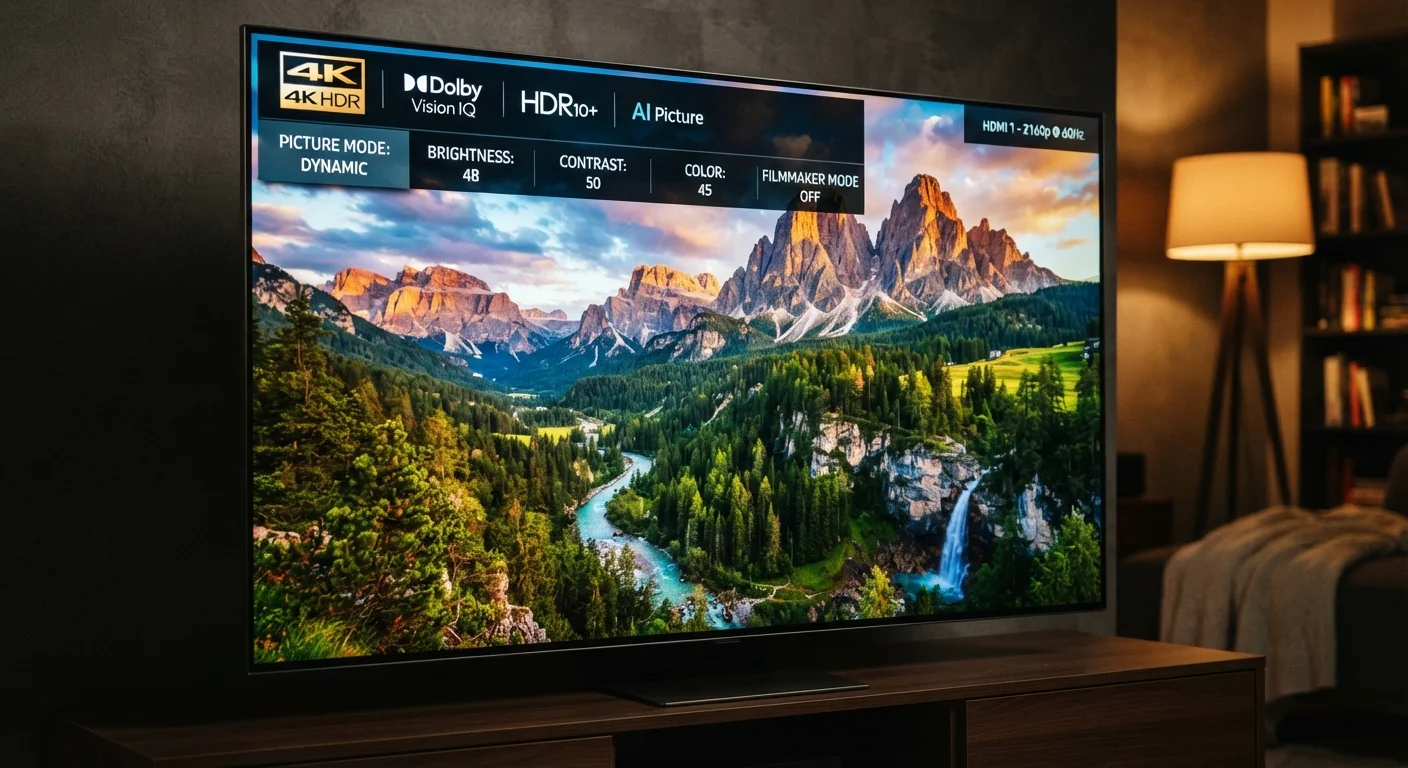
The term 4K describes screen resolution — specifically, how many individual pixels make up the picture. A 4K display contains roughly 3,840 × 2,160 pixels, totaling about 8.3 million. That's four times the pixel count of a standard 1080p HD screen.
More pixels means the image can hold finer detail, particularly noticeable on larger screens. On a 32-inch TV viewed from across a room, the difference between 1080p and 4K is difficult to perceive. On a 55-inch or larger screen at typical living-room distances, the added sharpness becomes more apparent — especially with native 4K source content.
That last point matters: the TV must receive actual 4K content to display a 4K image. Streaming a standard-definition video on a 4K TV doesn't produce a 4K picture; the set upscales it, which improves quality somewhat but is not the same thing. For a deeper look at how resolution interacts with other display specs, see our guide to screen resolution, refresh rate, and panel type.
| 4K pixel count | ~8.3 million pixels (3,840 × 2,160) (Consumer Electronics Association standard definition) |
| Multiplier vs. 1080p | 4× more pixels than Full HD |
| Common HDR formats | HDR10, HDR10+, HLG, Dolby Vision |
| Typical 4K streaming bandwidth | 15–25 Mbps sustained (General guidance from major streaming platforms) |
| Dolby Vision metadata type | Dynamic (scene-by-scene or frame-by-frame) (Dolby Laboratories specification) |
| HDR10 metadata type | Static (single profile for entire content) |
HDR: More Than Just a Buzzword
HDR stands for High Dynamic Range. While resolution describes how many pixels exist, HDR describes what those pixels can show — specifically, the range between the darkest shadows and brightest highlights in an image.
A standard dynamic range (SDR) display is limited in how bright its whites can get and how dark its blacks can appear. HDR expands both ends of that scale simultaneously, resulting in more realistic contrast and a wider palette of colors. A flame in a dark room, for example, looks distinctly different on an HDR display versus an SDR one.
HDR is not a single standard. Common formats include HDR10 (open, widely supported), HDR10+ (adds dynamic metadata, used on Amazon and Samsung content), and HLG (designed for broadcast). Each format requires both the content and the display to support it. A streaming device badge saying "HDR" generally means it can pass an HDR signal — but the TV must also be capable of rendering it properly.
Resolution
The total number of pixels on a display, expressed as width × height. Higher resolution allows finer detail to be rendered, particularly on larger screens.
HDR (High Dynamic Range)
A display and content standard that expands the range between the darkest and brightest parts of an image, producing more realistic contrast and a wider color palette compared to standard dynamic range (SDR).
Dolby Vision
A proprietary HDR format from Dolby Laboratories that uses dynamic, scene-by-scene metadata to adjust display settings throughout playback, requiring licensing by both the TV manufacturer and the content distributor.
Upscaling
A process where a display stretches lower-resolution content to fill a higher-resolution screen, using algorithms to estimate missing detail. The result is improved but not equivalent to native higher-resolution content.
Peak brightness (nits)
A measure of how bright a display can get, expressed in candelas per square meter (nits). Higher peak brightness is especially important for HDR content, where bright highlights need to stand out from darker areas.
Dynamic metadata
Instructional data embedded in video content that tells a compatible display how to render each scene or frame individually, as opposed to static metadata which applies one set of instructions to the entire file.
Dolby Vision: What Sets It Apart
Dolby Vision is a proprietary HDR format developed by Dolby Laboratories. It operates on the same principle as HDR — expanding brightness and color range — but uses dynamic, scene-by-scene (and sometimes frame-by-frame) metadata to fine-tune how each moment of a film or show is displayed.
In practical terms, Dolby Vision content can instruct a compatible TV to adjust its settings continuously throughout a movie rather than applying a single static profile to the entire runtime. This can produce more precise rendering of highlights and shadows. To benefit from Dolby Vision, three things must align: the content must be mastered in Dolby Vision, the streaming device or player must support it, and the TV must carry a Dolby Vision license.
Not all 4K HDR content is Dolby Vision, and not all Dolby Vision content looks dramatically different from well-implemented HDR10 — the improvement depends heavily on the TV's panel quality and the mastering of the source material. You can check whether your streaming device and TV both list Dolby Vision in their specs, since one without the other breaks the chain. For a broader comparison of streaming hardware, see how streaming devices differ in capability.
When Do These Labels Actually Make a Visible Difference?
Understanding the labels is useful; knowing when they matter saves frustration. Here's a practical breakdown:
- 4K makes the most difference on screens 50 inches and larger, viewed at distances under 8–10 feet, with true 4K source content.
- HDR's impact depends on the TV's peak brightness. A budget HDR TV may technically display HDR signals but cannot reach the brightness levels needed for a dramatic result. Higher-end panels with strong local dimming make HDR noticeably better.
- Dolby Vision's advantage over HDR10 is subtle on most consumer displays. Side-by-side on a high-quality screen with well-mastered content, differences are visible — but on midrange TVs, the gap narrows considerably.
- Internet connection matters. Streaming 4K HDR content typically requires a sustained connection of 15–25 Mbps. At lower speeds, streaming services automatically reduce quality, potentially dropping to 1080p or SDR regardless of your TV's capabilities.
These labels describe capability ceilings — they indicate what the hardware can handle, not what every piece of content will deliver. Just as package terms like "natural" or "pure" don't always carry a regulated definition (see our explainer on product label buzzwords), display marketing terms require context to interpret meaningfully.
4×
Pixel increase from 1080p to 4K
A 4K display contains approximately four times the pixels of a Full HD (1080p) screen at the same screen size.
1,000+ nits
Peak brightness for meaningful HDR
Industry guidelines generally suggest displays need to reach around 1,000 nits of peak brightness to render HDR highlights as intended by content creators.
15–25 Mbps
Bandwidth needed for 4K HDR streaming
Major streaming services recommend sustained internet speeds in this range to maintain 4K HDR quality without automatic downgrading.