

Key Takeaways
Our Verdict
No single streaming format suits every household. Dongles make sense for flexibility and budget, set-top boxes reward users who want consistent performance and longevity, and built-in smart TV platforms serve those who prefer simplicity with fewer moving parts. Understanding the trade-offs helps you avoid paying for features you won't use — or missing ones you will.
| Best for | Recommended |
|---|---|
| Those who want portability and low upfront cost | Plug-in streaming dongle |
| Those who prioritize performance and long-term software support | Dedicated set-top box |
| Those who prefer an all-in-one setup with minimal extra hardware | Built-in smart TV platform |
How Each Streaming Format Works
At a basic level, all three options do the same job: they connect your television to the internet and let you access streaming apps. The differences lie in where the hardware lives, how it's powered, and who controls the software updates.
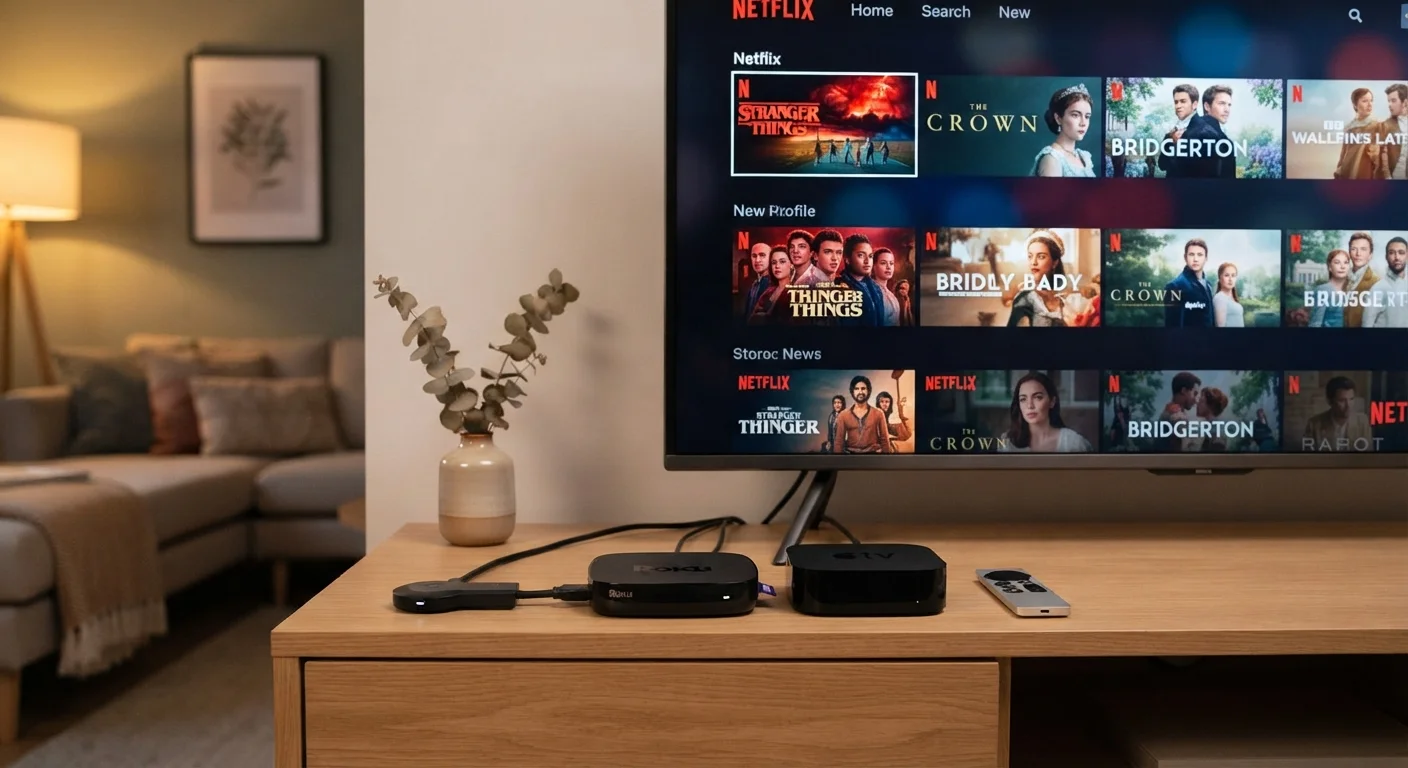
Plug-in dongles — sometimes called streaming sticks — connect directly to an HDMI port on your TV and draw power from a USB port or wall adapter. They run their own operating system independently of the TV itself. Set-top boxes are standalone units that sit near your TV, connect via HDMI, and typically include their own power supply. They run dedicated streaming software and often carry more processing headroom. Built-in smart TV platforms are integrated into the television's hardware at the factory. There's nothing extra to plug in — the OS is part of the TV.
Understanding which format fits your situation starts with knowing what each one actually controls, and what it doesn't. For context on how your streaming chain can quietly lose quality, see what affects streaming picture quality.
| Plug-in Dongle | Set-Top Box | Built-in Smart TV | |
|---|---|---|---|
| Setup complexity | Low — plug into HDMI port | Low-moderate — separate unit | None — already integrated |
| Typical performance | Moderate, varies by model | Generally strong | Varies widely by TV model |
| Software update control | Dongle manufacturer | Box manufacturer | TV manufacturer |
| Portability | High — pocket-sized | Moderate — compact unit | None — tied to TV |
| Long-term support | Typically 3–5 years | Often 4–6+ years | Depends on TV model lifecycle |
| Extra hardware needed | Power adapter (sometimes) | Power cable + HDMI | None |
| Ideal for | Flexible, budget-conscious use | Performance and longevity | Simplicity, minimal clutter |
Performance and Software Longevity
Processing speed matters more than many shoppers expect. A dongle with limited RAM can stutter when switching apps or loading interface elements, especially as streaming apps grow more resource-intensive over time. Set-top boxes generally carry faster processors and more memory, which translates to snappier navigation and smoother 4K playback. Built-in TV platforms vary widely — newer televisions from major manufacturers often include capable chipsets, while older or budget models may show performance degradation within a few years of purchase.
Software support is arguably the most important long-term factor. Dongles and boxes receive updates controlled by their own manufacturers and often enjoy support cycles that outlast the TV they're attached to. Built-in platforms are tied to the TV's lifespan as a product — once a manufacturer stops supporting that model, the apps may stop updating or functioning correctly. If you're curious how display terms like 4K and HDR interact with your streaming device, our guide to 4K, HDR, and Dolby Vision breaks it down without the jargon.
Check Software Support Before You Commit
When evaluating any streaming device, look up how long the manufacturer has committed to software and security updates. A device that stops receiving updates can become incompatible with popular apps within a few years. Set-top boxes and dongles often have more transparent and longer support policies than TV-integrated platforms, which are tied to specific television model lines.
Flexibility and Practical Considerations
One underappreciated advantage of dongles and boxes is portability. You can move them between TVs in your home or take them when you travel, carrying your apps and preferences with you. A built-in smart TV platform stays with the television — if you upgrade to a new TV, you're also switching platforms and re-establishing all your accounts and settings.
Setup complexity is another real-world variable. Dongles require an available HDMI port and a reliable USB power source; some TVs don't supply enough power through their USB ports, requiring a wall adapter. Boxes need a power outlet and HDMI connection. Built-in platforms need nothing extra, which genuinely simplifies the living room for households that don't want additional remotes or cables.
Connectivity reliability applies to all three equally: they all depend on your home Wi-Fi. Before attributing sluggish streaming to your device, it's worth considering whether router placement or network congestion is the real culprit. The same logic applies more broadly to any connected device — understanding the reliability gap between wired and wireless setups can help you troubleshoot at the network level. Before committing to any new device, run through this checklist for connected device purchases to verify compatibility and software support expectations.
Don't Rely Solely on Your Smart TV's Built-In OS
Even if your TV includes a capable smart platform today, it may not receive updates indefinitely. Manufacturers sometimes discontinue software support for older TV models while the hardware itself is still functional. Keeping a dongle or box on hand gives you an upgrade path without replacing the entire television — and often at a fraction of the cost.