

Key Takeaways
Smart Speaker
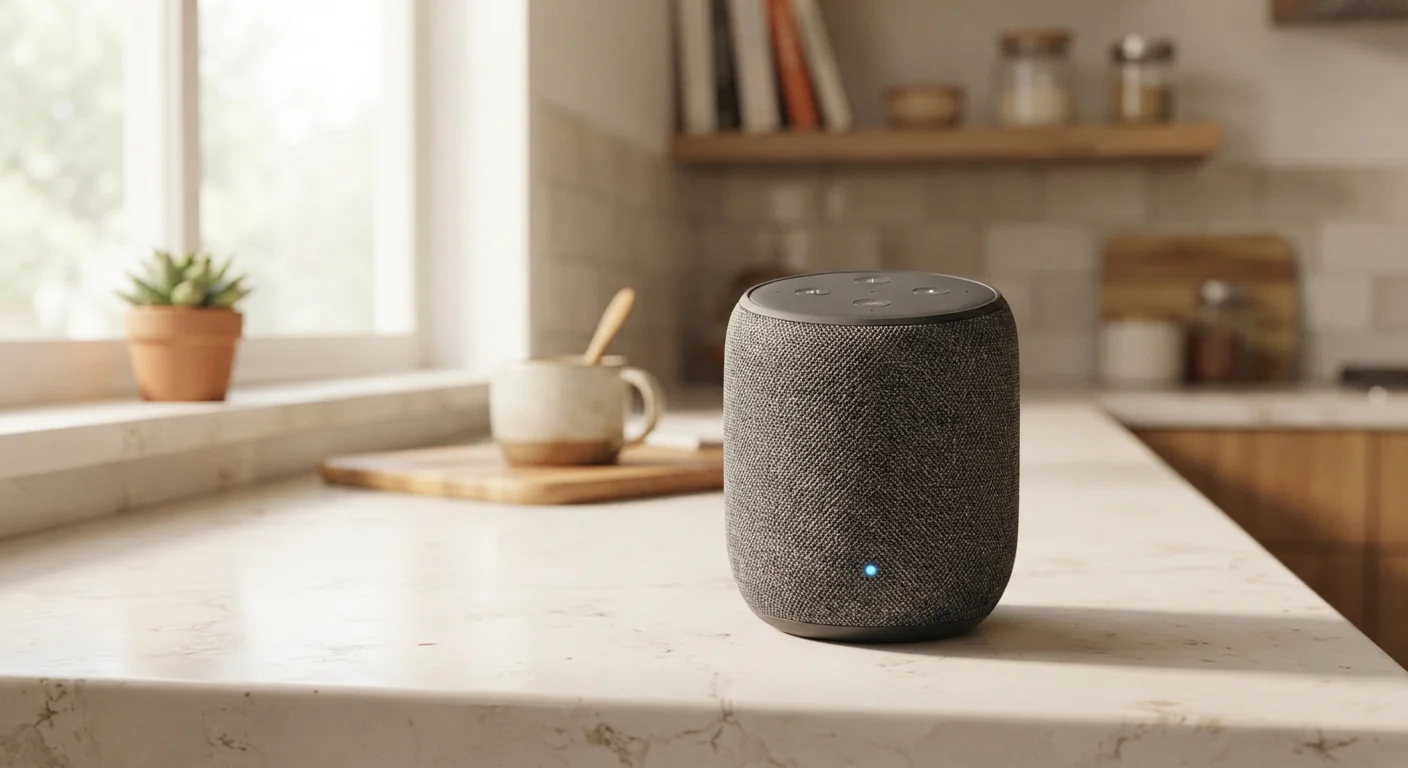
A smart speaker is a wireless audio device with a built-in voice assistant that lets you control it using spoken commands. Unlike a standard Bluetooth speaker, it connects to the internet and can answer questions, play music, set reminders, and control compatible smart home devices — all without you touching a button. The "smart" part refers to this always-listening, cloud-connected intelligence rather than any improvement in audio quality.
Smart speakers use an array of microphones and local wake-word detection to identify a trigger phrase before sending audio to cloud servers for processing — only the audio after the wake word is typically transmitted.
What a Smart Speaker Actually Does
Strip away the marketing language and a smart speaker is three things combined: a speaker, a microphone array, and a always-on internet connection. The speaker plays audio. The microphones listen for a specific trigger phrase — commonly called a wake word — such as "Hey Alexa" or "OK Google." The internet connection is what makes the device useful beyond playing music: it routes your spoken request to a remote server, which interprets it and sends back an answer or action.
That server-side processing is important to understand. When you ask a question, the device itself is not figuring out the answer. It is a relay point. The intelligence lives in the cloud, which means response quality depends on your internet speed, the sophistication of the platform's software, and whether the service is functioning at that moment.
For practical daily use, smart speakers handle a predictable set of tasks reliably well: streaming music and podcasts, checking weather or sports scores, setting timers and alarms, adding items to shopping lists, and controlling compatible smart home devices. They handle nuanced, multi-step, or ambiguous requests considerably less well — a limitation worth knowing before you expect too much.
“The microphone is always listening for the wake word, but what reaches the cloud — and what gets stored — depends entirely on the platform's policies and your own privacy settings. Those are not the same thing across manufacturers.”
— Consumer Technology Privacy Researchers, Academic researchers studying voice-activated consumer devices
How the Voice Assistant Works Behind the Scenes
The phrase "voice assistant" is used loosely in marketing, but the underlying mechanism is consistent across platforms. The device runs a small, low-power model locally to detect its wake word — this part happens on the device and does not require sending audio anywhere. Once triggered, the microphones capture your spoken command and transmit that audio over your home Wi-Fi to the manufacturer's servers.
On those servers, your speech is converted to text through automatic speech recognition (ASR), then interpreted through natural language processing (NLP) — software that attempts to understand what you actually meant, not just what words you said. A response is generated and sent back to the device as audio or a device command within seconds.
Wake Word Detection vs. Cloud Processing
It is worth distinguishing between two stages: local wake-word detection, which happens on the device using minimal processing power, and cloud-based command interpretation, which happens on remote servers after the wake word fires. Only the second stage involves transmitting audio externally. Understanding this split helps clarify when your voice data actually leaves your home network.
This architecture is why smart speakers cannot function without an internet connection: remove the cloud, and the assistant has no brain. It also explains why privacy considerations are central to any honest discussion of these devices. Audio captured after the wake word is processed externally, and most platforms store some version of that data unless you actively adjust your settings.
For a fuller look at how smart home devices interact — including how ecosystems affect compatibility — see how smart home ecosystems actually work.
What to Realistically Expect at Home
The gap between marketing claims and everyday experience is worth closing before you set up a smart speaker. These devices genuinely earn their place in households that use them for specific, repeatable tasks: hands-free timers while cooking, ambient music without unlocking a phone, voice-controlled lights after your hands are full. For those use cases, the convenience is real.
Match the Device to Specific Tasks
Before setting up a smart speaker, list the three or four things you would realistically use it for every day. If those tasks are timers, music, and lights, a basic model will handle them as well as a premium one. Identifying your actual use case prevents you from paying for capabilities you will rarely need — a pattern that applies across connected home technology generally.
Where expectations tend to outpace reality is in conversational ability and home control breadth. Voice assistants are pattern-matchers, not conversationalists. They excel at commands that follow a predictable structure and struggle when you deviate from it. Similarly, controlling smart home devices only works if those devices are on the same compatible ecosystem — a common source of frustration for new users. The checklist to verify before buying a smart home device can help you avoid compatibility surprises.
Audio quality is also frequently misrepresented. Speaker fidelity varies widely and has no direct relationship to how capable the voice assistant is. A compact, inexpensive model may run the same assistant software as a larger, higher-quality speaker — it will simply sound different playing music. If audio quality matters to you, that is a separate evaluation from the assistant's capabilities.
For a broader look at where these devices genuinely help versus where they add complexity, the case for and against smart home devices provides a balanced perspective. And if you are just starting to explore connected home technology generally, The Connected Home: A Starter Guide for Non-Tech Households is a practical next step.
~35%
U.S. adults who own a smart speaker
According to Pew Research Center survey data, roughly one-third of American adults report owning a voice-activated smart speaker.
Top 3
Most common uses: music, timers, weather
Pew Research found that playing music, setting timers or alarms, and checking weather are consistently the top three reported uses among smart speaker owners.
False activations
Occur regularly across all major platforms
Independent testing by academic and consumer research groups has documented that all major smart speakers trigger unintended recordings due to sounds or words resembling their wake words.