

Key Takeaways
Blocks ads and speeds up page loading
Ad-blocking extensions prevent scripts and media from loading, which can noticeably reduce the time it takes pages to render, particularly on ad-heavy news sites.
Strengthens password habits at no cost
Password manager extensions generate strong, unique credentials and autofill them, reducing reliance on weak or reused passwords without requiring any technical knowledge.
Adds useful features without a separate app
Grammar checkers, translation tools, and reading-mode extensions deliver functionality directly in the browser, eliminating the need to copy and paste content into a separate program.
Can surface pricing context while shopping
Some extensions display price history charts, helping users assess whether a current price is genuinely competitive before completing a purchase.
Many are free and widely maintained
A large share of popular extensions are developed by established teams and offered at no cost, often with active update cycles and user forums for support.
Broad permissions create meaningful data exposure
Many extensions request the ability to read and modify all data on websites you visit — a level of access that, if misused, allows comprehensive tracking of your browsing activity.
Extensions can be acquired by less trustworthy owners
Once an extension builds a user base, the original developer may sell it. New owners may introduce data collection or advertising that wasn't in the original version.
Malicious extensions occasionally pass platform review
Browser store review processes are not foolproof; extensions mimicking legitimate tools have appeared in official stores before being identified and removed.
Unused extensions still run and consume resources
Extensions that are installed but not actively used may continue to execute code in the background, adding to memory usage and maintaining unnecessary data access.
Permission language is often difficult to interpret
The permissions dialog shown during installation uses broad, technical language that most users don't fully parse, making it difficult to assess actual risk at install time.
Our Verdict
Browser extensions genuinely expand what your browser can do, from cutting distractions to flagging unsafe sites. But the permission model they rely on means every extension you install is a calculated trust decision. Used selectively and kept current, they're a practical tool; installed indiscriminately, they can quietly erode your privacy.
Users who install only a handful of extensions from established, transparent publishers and periodically review what's active in their browser.
What Browser Extensions Actually Do
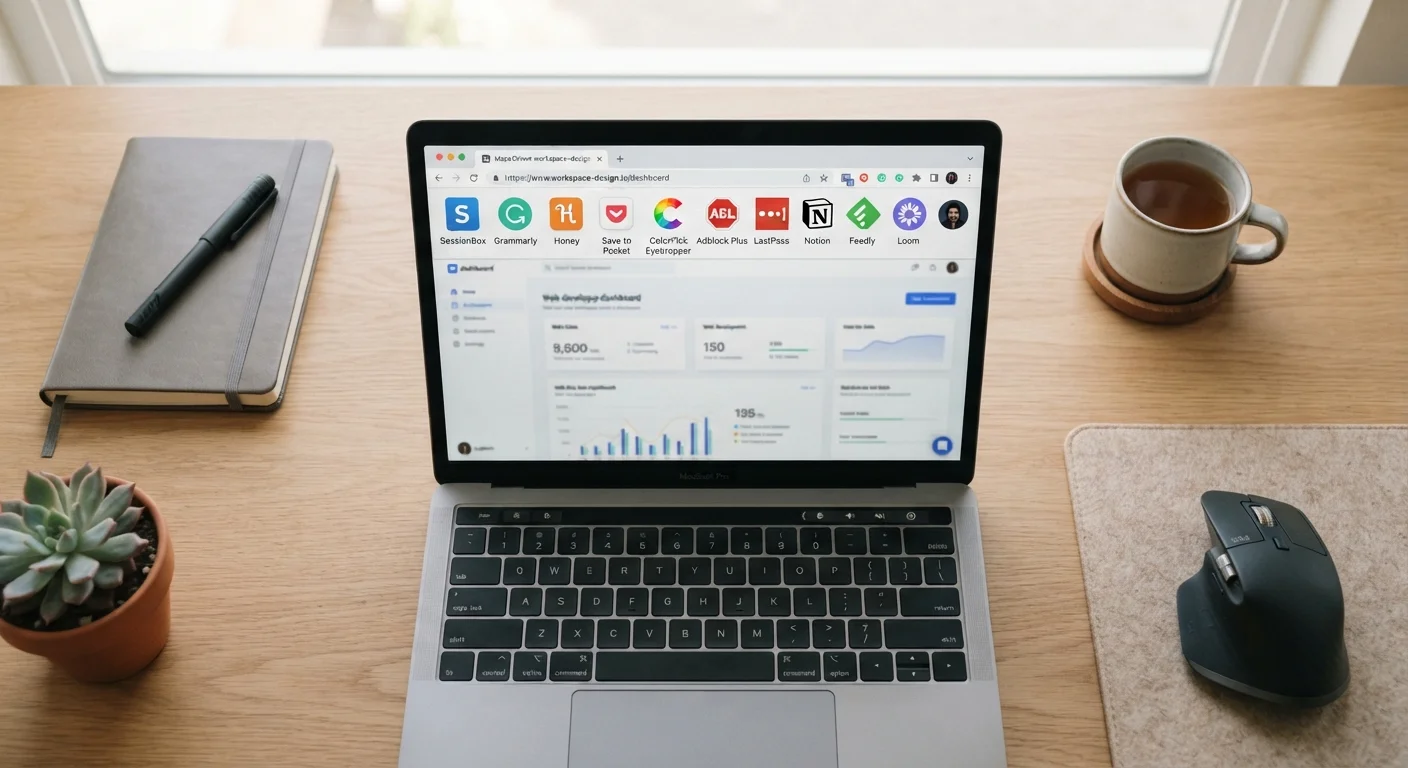
A browser extension is a small software program that runs inside your web browser and modifies or adds to its behavior. Unlike full applications, extensions don't live on your desktop — they operate within the browser session itself, which is both what makes them powerful and what creates privacy considerations worth understanding.
Common uses include blocking intrusive ads, saving and autofilling passwords, translating pages, capturing screenshots, checking grammar, and flagging coupon codes while you shop. For a deeper look at how browser-based tools compare to installed software, see our guide to web-based apps vs. installed software.
Extensions are available through official browser stores — Chrome Web Store, Firefox Add-Ons, and Microsoft Edge Add-ons — where publishers submit their code for review. Review thoroughness varies by platform, and not all problematic extensions are caught before publication.
The Genuine Benefits
Blocks ads and speeds up page loading
Ad-blocking extensions prevent scripts and media from loading, which can noticeably reduce the time it takes pages to render, particularly on ad-heavy news sites.
Strengthens password habits at no cost
Password manager extensions generate strong, unique credentials and autofill them, reducing reliance on weak or reused passwords without requiring any technical knowledge.
Adds useful features without a separate app
Grammar checkers, translation tools, and reading-mode extensions deliver functionality directly in the browser, eliminating the need to copy and paste content into a separate program.
Can surface pricing context while shopping
Some extensions display price history charts, helping users assess whether a current price is genuinely competitive before completing a purchase.
Many are free and widely maintained
A large share of popular extensions are developed by established teams and offered at no cost, often with active update cycles and user forums for support.
The practical case for using browser extensions is strong when the tools are chosen carefully. Ad blockers measurably reduce page load times by preventing resource-heavy ad scripts from running. Password manager extensions reduce the temptation to reuse weak passwords by generating and filling strong credentials automatically. Grammar and readability tools help non-native speakers and professional writers alike without requiring a separate application.
For shoppers, some extensions surface price history data that helps evaluate whether a listed price represents genuine value — a useful complement to the kind of informed decision-making covered in shopping online vs. in-store.
The Privacy and Security Trade-Offs
Broad permissions create meaningful data exposure
Many extensions request the ability to read and modify all data on websites you visit — a level of access that, if misused, allows comprehensive tracking of your browsing activity.
Extensions can be acquired by less trustworthy owners
Once an extension builds a user base, the original developer may sell it. New owners may introduce data collection or advertising that wasn't in the original version.
Malicious extensions occasionally pass platform review
Browser store review processes are not foolproof; extensions mimicking legitimate tools have appeared in official stores before being identified and removed.
Unused extensions still run and consume resources
Extensions that are installed but not actively used may continue to execute code in the background, adding to memory usage and maintaining unnecessary data access.
Permission language is often difficult to interpret
The permissions dialog shown during installation uses broad, technical language that most users don't fully parse, making it difficult to assess actual risk at install time.
The core issue is permissions. When you install an extension, you're typically granting it the ability to read and change data on websites you visit — sometimes all websites, sometimes specific ones. That level of access means a malicious or poorly secured extension could, in principle, capture form inputs, read page content, or track your browsing history.
Extensions Can Change Ownership Over Time
An extension you installed from a trusted developer may later be sold to a new owner with different privacy practices. This change is rarely announced prominently to existing users. Checking the publisher name in your extension manager periodically — and cross-referencing it against what you originally installed — is a simple way to catch this. If the publisher or listed company has changed, it's worth re-evaluating whether to keep it.
Extensions can also be acquired by new owners after they've built a user base. A trusted extension you installed two years ago may have been sold to a different company with different data practices. Periodic review of your installed extensions is a straightforward habit that significantly limits this risk.
If you apply the same scrutiny you'd give to subscription fine print — checking what you're agreeing to before clicking install — you'll catch most red flags before they matter.
How to Install Extensions More Safely
A few practical habits reduce the risk profile of using browser extensions considerably:
- Check the publisher: Established developers with public profiles and a clear support channel are generally more accountable than anonymous publishers.
- Read the permissions screen: If a simple to-do list extension requests access to read data on all websites, that's disproportionate and worth questioning.
- Look at review volume and recency: A large number of recent reviews suggests ongoing maintenance. Very few reviews on an extension with a high install count can indicate manipulation.
- Audit regularly: Open your browser's extension manager every few months. Remove anything you haven't used or no longer recognize.
- Prefer extensions with narrow permissions: Tools that only request access to specific sites — rather than all sites — limit the blast radius if something goes wrong.
~40%
Chrome users with at least one extension installed
According to research published by Google, a substantial portion of desktop Chrome users have at least one extension active in their browser.
280M+
Extensions removed from Chrome Web Store (2020–2022)
Google has reported removing hundreds of millions of malicious or policy-violating extensions over multi-year enforcement periods.
The same evaluative mindset applies to connected devices in your home. The checklist in what to check before buying a smart home device translates well to the extension context: verify who made it, what it accesses, and how often it's updated.