

Tech & Gadgets

Before You Trade In Your Old Phone, Work Through This Checklist

Share
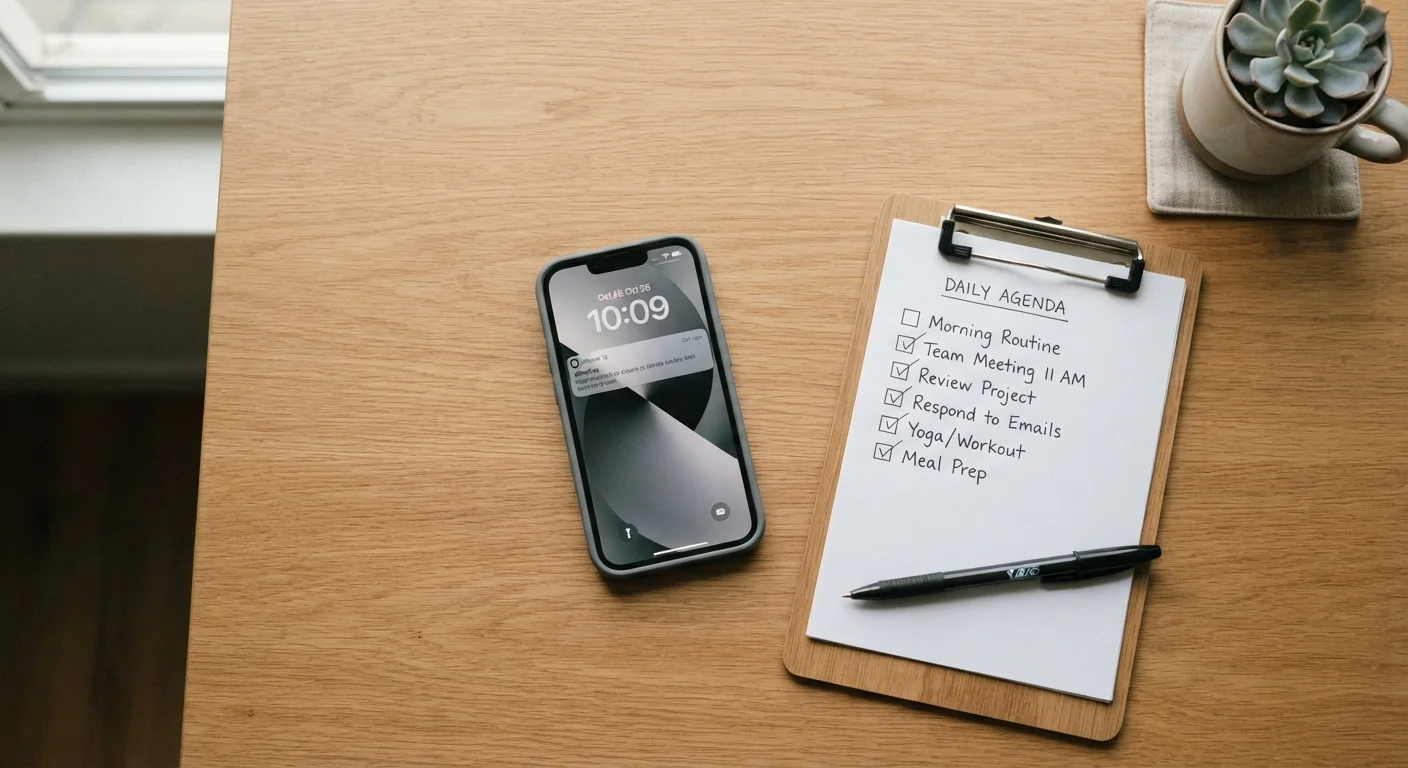
A smartphone placed next to a printed checklist on a wooden desk in soft natural light

Key Takeaways

Back up all data before starting the trade-in process — recovery after the fact is rarely possible.
Signing out of accounts and removing SIM cards are non-negotiable steps before handing over any device.
A factory reset alone may not fully erase data on all devices; check manufacturer guidance for your model.
Documenting your phone's condition before trade-in protects you if a valuation dispute arises.
Knowing your device's trade-in value ahead of time helps you evaluate whether the offer is fair.
30–60 min

Summary

18 items · 30–60 minutes

Why This Checklist Matters

Trading in a smartphone feels straightforward — hand over the old device, get credit toward the new one. But what happens to the personal data on that phone, or the accounts still logged in, is a detail many people overlook until it's too late. A missed step can expose contacts, financial apps, photos, or authentication credentials to whoever handles the device next.

This checklist walks you through every meaningful action to take before a trade-in or private sale — organized by phase, from backup through final inspection. For a deeper look at the underlying security concepts, see our mobile security fundamentals guide.

Authenticator Apps Require Special Attention

If you use a time-based authenticator app (such as one that generates login codes for banking or work accounts), the codes stored in that app do not automatically transfer when you reset your phone. Losing access to those codes can lock you out of critical accounts. Transfer or back up your authenticator app entries to your new device before wiping the old one, and verify each account's recovery options are up to date.

What You'll Need

Before running through the checklist, gather the right tools. Having everything ready prevents interruptions mid-process.

Required

Cloud backup service

Used to create a complete backup of photos, contacts, app data, and settings before wiping the device.

Optional

Computer or external hard drive

Provides a local backup option for files, photos, and documents independent of cloud services.

Required

SIM card removal tool (or a small pin)

Needed to eject the SIM tray and remove the SIM card before handing over the device.

Required

Original charging cable and adapter

Keeps the phone powered throughout the preparation process, particularly during long backups or resets.

Optional

Microfiber cloth

Used to clean the device before condition assessment and photography.

The Full Pre-Trade-In Checklist

Work through these groups in order. Skipping ahead — particularly to the factory reset — before completing earlier steps is the most common mistake people make.

Back Up Your Data

Back up photos and videos to a cloud service or local storage, and verify the backup completed successfully before proceeding. Must
Export or note down any contacts not already synced to your Google or Apple account. Must
Back up app data for any apps that store locally (some games, note-taking apps, and authenticator apps do not sync automatically). Must
Save any text messages or call logs you want to keep using a dedicated backup app or export function. Should
Download or export any documents, voice memos, or files stored locally on the device. Must

Sign Out of Accounts

Sign out of your Apple ID, Google account, or manufacturer account (e.g., Samsung account) from the device settings — this disables Activation Lock on iPhone. Must
Sign out of financial apps, payment platforms, and banking apps individually before the factory reset. Must
Remove the device from any two-factor authentication (2FA) or authenticator apps, and transfer those codes to your new device first. Must
Unpair any connected wearables, such as smartwatches or wireless earbuds linked to this device. Should
Sign out of streaming, social media, and subscription apps if you prefer to deauthorize the device explicitly. Nice to have

Remove Physical Components

Eject and remove your SIM card, and keep it in a safe place for transfer to your new device. Must
Remove any microSD card if your device has an expandable storage slot. Must
Remove any phone case, screen protector, or accessories — these are generally not included in trade-in programs. Should

Perform a Factory Reset

Perform a full factory reset through the device's official settings menu — do not rely on third-party apps for this step. Must
Check your device manufacturer's support documentation to confirm whether additional steps are needed to fully erase encrypted storage on your specific model. Should
After the reset, verify the setup screen appears and that your accounts are no longer associated with the device. Must

Document Condition and Value

Photograph the device from multiple angles — screen, back, sides, and any areas with wear — before handing it over. Should
Note the IMEI number (found in Settings or by dialing *#06#) and keep a record of it for your own documentation. Should
Research your device's current trade-in or resale value across at least two sources so you can assess whether an offer is reasonable. Nice to have

Don't Reset Before Signing Out of Activation Lock

On iPhone, performing a factory reset without first signing out of your Apple ID leaves Activation Lock enabled. A device with Activation Lock still tied to your account cannot be set up by the recipient — this can void the trade-in or result in a significantly lower offer. Always sign out of your Apple ID through Settings before initiating a reset.

After You Hand It Over

Once the device has been transferred, a few follow-up actions close the loop. Monitor the email address associated with the old device for any unexpected account-recovery attempts in the days following the trade-in. Change passwords on any accounts you were uncertain about removing from the device. If you used a carrier trade-in program, confirm the credit has posted correctly before the return window closes.

If you're using the trade-in value toward a new device purchase, take your time evaluating what you actually need. Our guide on common smartphone buying assumptions can help you avoid paying for features that won't add meaningful value to your daily use. And if this trade-in is part of a larger household purchase decision, the pre-purchase checklist for major household items offers a useful framework for evaluating the new device on its own merits.

Tech & Gadgets Editorial Team is the collective byline for our editorial team and contributor network. Articles published under this byline or an editorial pen name are researched, written, and reviewed according to our editorial standards for clarity, consistency, and independence before publication.

View all articles by Tech & Gadgets Editorial Team →
Disclaimer: The content on this site is for informational purposes only and is not a substitute for professional advice. Always consult a qualified professional for guidance specific to your situation.